

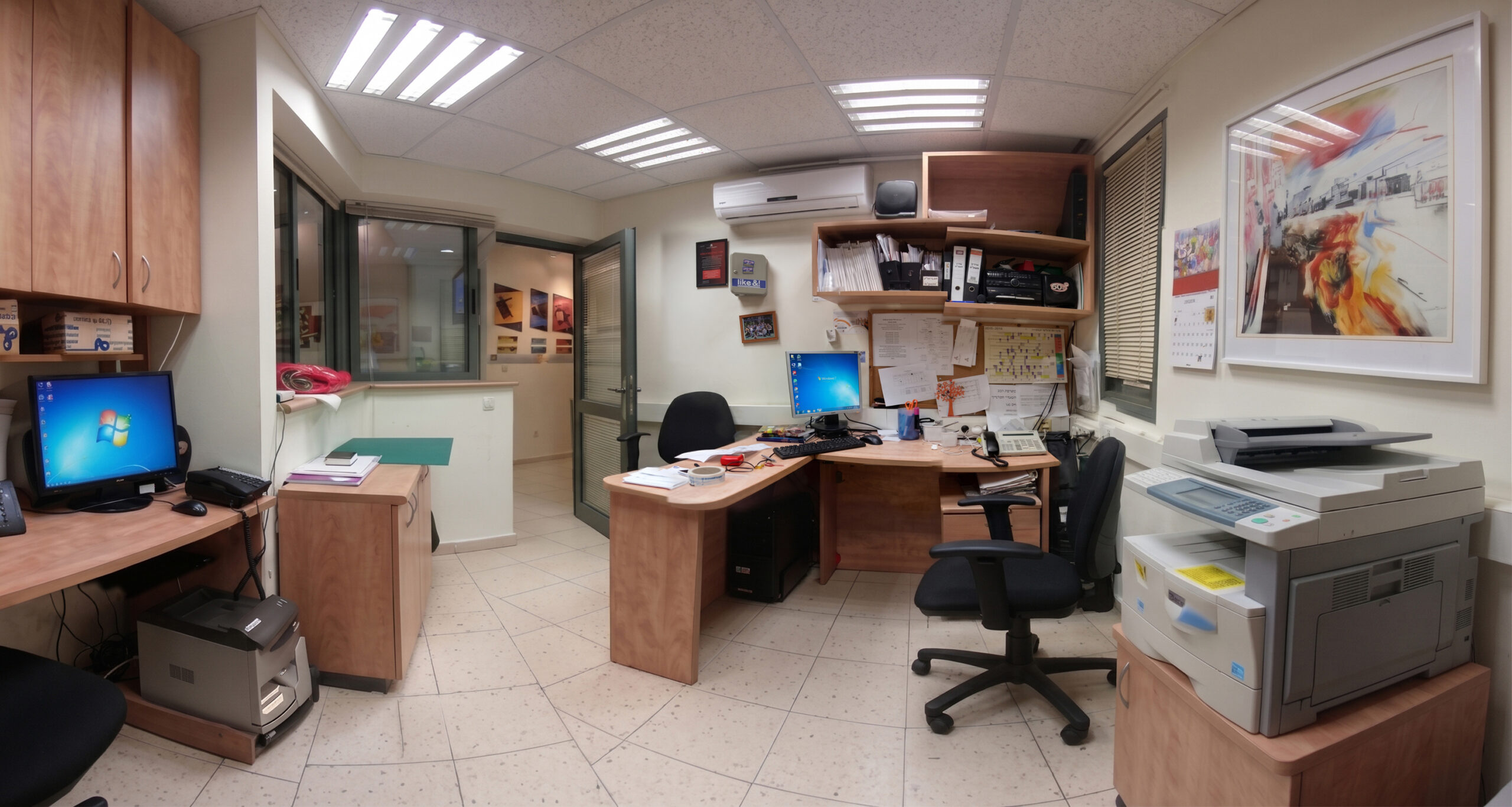
The photo shows the coordinators’ office where I worked at the Open University. I took it as a keepsake, likely using a Samsung Galaxy S7—a device not really capable of capturing such panoramas. Furthermore, the software available at the time wasn’t very good at stitching the individual shots together into a high-quality final image, which is why there are so many glitches and smudges. I wonder if I used the phone’s built-in “Pano” mode—though back then, that feature didn’t support wide-angle lenses—or perhaps I took multiple separate photos and tried to stitch them together using an app. Regardless, those original source images are probably long gone, so I can’t say for certain how this image was created; it’s simply what I have.
Therefore, this is a great example of work that combines photography, image restoration, and AI—all aimed at restoring or enhancing the image to look the way it is supposed to look.
The “Before” state:

It’s worth noting that I also had another image with a significantly narrower field of view (though it was still a panorama). I was lucky to still have that one, and it was almost certainly captured using the phone’s standard lens in panorama mode.
You can see that I did a pretty good job, though there are still quite a few inconsistencies and inaccuracies that need fixing—for example, the shelves on the top right appear distorted (“broken”) and don’t form a single, cohesive unit; the window in the middle, next to the door, should have two sliding panes rather than one; the computer on the bottom left should be black, not silver; and there are other issues as well. Still, overall, it looks nice and charming—it serves its purpose as a keepsake, and a “perfect” result isn’t really necessary.
Reference photo:


